You plug your brand-new Samsung Galaxy S24 Ultra into the USB-C charger that came with your laptop and walk away expecting a full battery in 45 minutes. An hour later: 60%. Frustrating — but not a mystery once you understand what’s actually happening. USB-C (the oval-shaped connector used on nearly every modern Android phone, recent iPad, and now the iPhone 15 and later) is just a physical shape. The charging speed you get depends on an entirely separate negotiation happening between your charger, your cable, and your phone — measured in watts (W), which is simply a unit of power, like horsepower for electricity. This article breaks down why the number printed on a charger box rarely tells the whole story, which specs actually matter when you’re buying cables and bricks, and how to match the right gear to whichever flagship or mid-ranger you’re recommending to customers or buying for yourself.
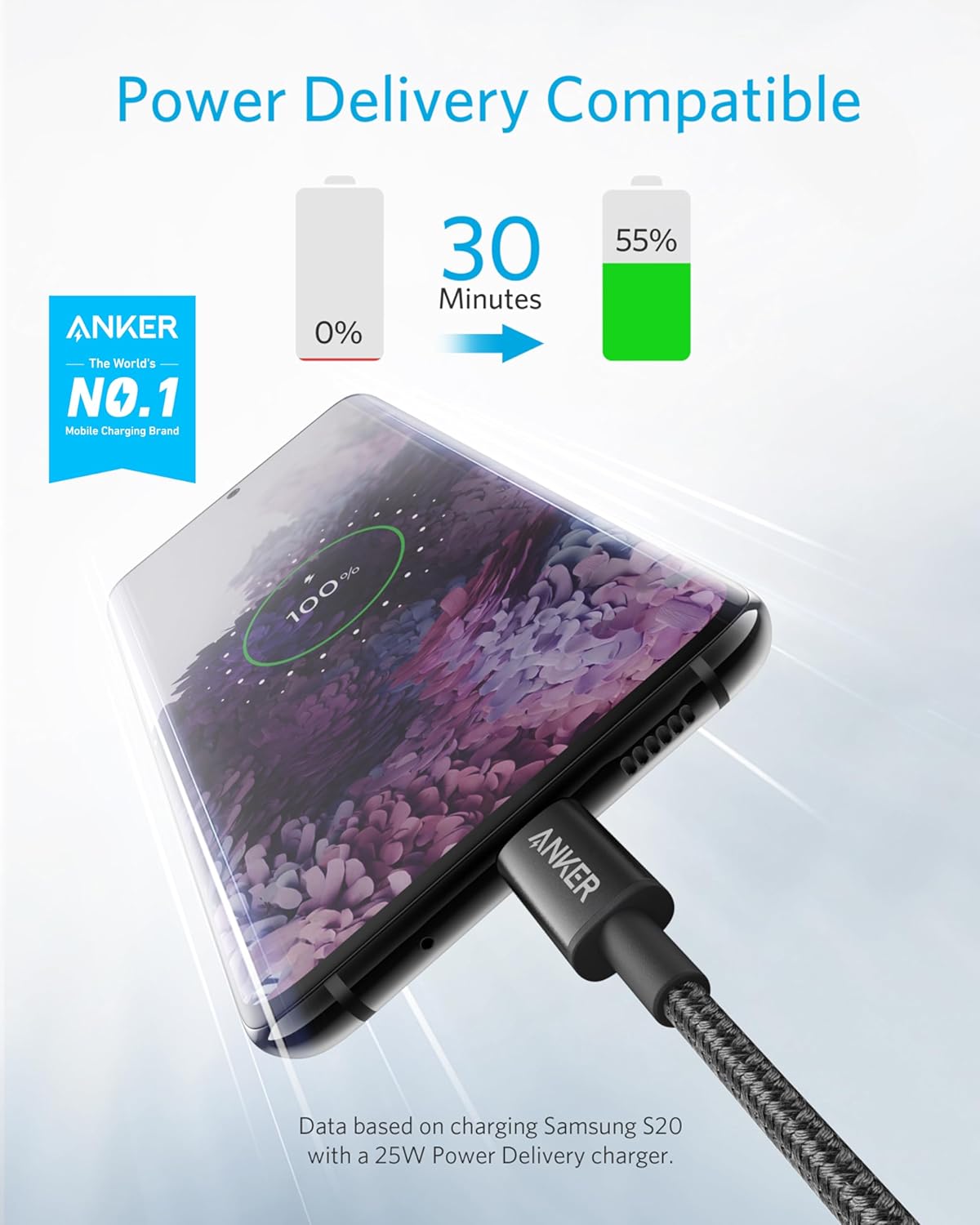
| EDITOR'S PICK[Anker USB C to USB C Cable](https://www.amazon.com/dp/B09LCJPZ1P?tag=greenflower20-20) | Mid-tier[Anker USB C to USB C Cable](https://www.amazon.com/dp/B088NRLMPV?tag=greenflower20-20) | Budget pick[JSAUX 100W USB C Cable [2-Pack…](https://www.amazon.com/dp/B08DKH4CP9?tag=greenflower20-20) | |
|---|---|---|---|
| Wattage | 100W | 60W | 100W |
| Length | 6 ft (1.8 m) | 6 ft (1.8 m) | 6.6 ft |
| Video output | ✗ | — | — |
| Price | $12.99 | $9.99 | $7.67 |
| See on Amazon → | See on Amazon → | See on Amazon → |
Why “45W” on the Box Doesn’t Mean 45W Into Your Phone
Here’s the piece that trips up even experienced buyers: fast charging is a negotiated protocol, not a fixed pipe. The moment you connect a phone to a charger, the two devices exchange a rapid handshake to agree on how much power to transfer. If either side doesn’t support the same charging standard, they fall back to a slower common denominator — sometimes all the way down to a sluggish 5W or 7.5W.
The dominant standard right now is USB Power Delivery (USB PD), maintained by the USB Implementers Forum. USB PD 3.0 supports up to 100W; the newer USB PD 3.1 spec, finalized in 2021, extends that ceiling to 240W for laptops and accessories. Most flagship phones sold in 2024–2026 use USB PD with an additional layer called Programmable Power Supply (PPS), which allows the charger to fine-tune voltage in small increments rather than jumping between fixed steps — that’s what enables the sustained high-watt charging advertised by Samsung, Google, and others without cooking the battery.
But here’s where it gets messy for retail decisions: phone manufacturers often layer their own proprietary protocols on top of USB PD. Xiaomi’s HyperCharge, OnePlus’s SUPERVOOC, and Oppo’s VOOC all deliver headline-grabbing wattage numbers (some north of 100W) that only work with the brand’s own charger. Plug a 67W SUPERVOOC-capable OnePlus 12 into a generic 65W USB PD charger, and per published specifications and reviews aggregated at GSMArena, you’ll max out around 45W — real, but well below what the phone is capable of.
The practical upshot: always check whether a phone’s peak charging spec requires a proprietary charger, a standard USB PD + PPS charger, or either. That distinction changes your accessory recommendation entirely.
The Cable Is Not Neutral — It’s Part of the Circuit
Most people treat cables as interchangeable. They are not — and this is the single most common source of “why is this charging so slowly?” complaints.
USB-C cables have two completely separate capability ladders:
1. Data speed rating — whether a cable is USB 2.0 (480 Mbps), USB 3.2 (up to 20 Gbps), or USB4 (up to 40 Gbps). This affects how fast files transfer, not charging directly.
2. Power rating — the maximum wattage the cable’s wiring can safely carry. This is the one that matters for charging speed.
A USB-C cable rated for 60W (which covers most bundled cables and cheap aftermarket options) will throttle a 100W charging session down to 60W automatically — the charger and phone negotiate, see the cable’s limitation, and cap the power to avoid melting the wires. The Wirecutter’s analysis of USB-C cables notes that many cables sold without explicit wattage labeling default to the 60W ceiling of older USB PD specs, meaning buyers who think they’re getting full-speed charging are leaving real speed on the table.
For 100W+ charging — relevant for users with the Samsung Galaxy S24 Ultra (rated at 45W on the phone side, but useful if you’re also charging a laptop from the same brick), or anyone running a USB PD 3.1 setup — look for cables explicitly rated for 240W or labeled USB-C 2.1. These use heavier-gauge internal conductors and are required to carry an e-marker chip (a tiny embedded circuit that communicates the cable’s capabilities to the charger and device).
By the Numbers
| Cable Rating | Max Charging Watts | E-Marker Required? | Supports Laptop Charging? |
|---|---|---|---|
| 60W (USB PD 2.0 default) | 60W | No | Limited |
| 100W (USB PD 3.0) | 100W | Yes | Yes |
| 240W (USB PD 3.1 / USB-C 2.1) | 240W | Yes | Yes (high-performance) |
Matching Charger and Cable to Your Actual Phone
This is where the decision framework gets practical. Here’s how to think through it for the phones that dominate the premium retail segment right now.
iPhone 15 / 15 Pro / 15 Pro Max: Apple moved to USB-C with the iPhone 15 line, but the charging architecture is conservative by Android flagship standards. The iPhone 15 and 15 Plus are capped at 20W. The Pro and Pro Max reach 27W. Per Apple’s published specifications, any USB PD charger rated 20W or higher will top out these phones at their respective ceilings — no proprietary protocol required. A 30W or 45W USB PD brick with a 60W-rated cable is genuinely sufficient. Spending extra on a 100W charger for an iPhone 15 Pro Max wastes money on headroom the phone will never use.
Samsung Galaxy S24 Ultra: Samsung publishes a 45W charging ceiling using their 45W USB PD 3.0 PPS charger. Reviewers at Tom’s Guide have documented that a quality third-party 45W USB PD + PPS charger delivers comparable real-world speeds to Samsung’s own brick — a meaningful cost savings if you’re buying in volume for a small business mobile fleet. The cable needs to be rated for at least 60W (which is nearly universal), so the cable isn’t the constraint here.
Google Pixel 9 Pro: Google specifies 37W USB PD 3.0 with PPS. Again, a well-rated third-party PPS charger performs equivalently to Google’s own adapter per aggregated user reports and spec-sheet comparisons. No proprietary protocol lock-in.
Mid-market consideration — Galaxy A54 / Pixel 8: Both are capped at 25W. The A54 uses 25W USB PD; the Pixel 8 uses 27W USB PD. For these phones, even a basic 30W PD charger is overkill in the best possible way — it’ll deliver maximum speed without any additional investment in high-spec cables.
The if-X-then-Y rule:
- If the phone uses a proprietary fast-charging protocol (SUPERVOOC, HyperCharge, etc.) → buy the brand’s charger or a charger explicitly certified for that protocol.
- If the phone uses standard USB PD + PPS → any reputable 45W–65W USB PD 3.0 charger plus a 60W-rated cable is sufficient for phones under 50W.
- If you’re charging a laptop and a phone from the same brick → invest in a 100W GaN charger and a 100W e-marked cable. The flexibility pays for itself.
GaN Chargers: Why This Acronym Keeps Appearing
GaN stands for gallium nitride, a semiconductor material that allows charger internals to run more efficiently at high wattages than the older silicon-based components in traditional “wall wart” chargers. The practical result: GaN chargers deliver 65W, 100W, or even higher outputs in a package roughly the size of a standard 20W Apple adapter. CNET’s overview of USB-C Power Delivery describes GaN as the primary reason multi-port 100W chargers became practical travel accessories rather than brick-sized desk fixtures.
For the wireless retail customer buying a premium phone-plus-accessories bundle, a 65W GaN charger with two USB-C ports (one capable of full 65W when used solo, two ports sharing power when both are in use) is a genuinely useful upsell — especially for remote workers who carry both a phone and a laptop. It’s one fewer thing to pack, and it correctly solves the “I bought a 45W charger but it won’t charge my laptop quickly” problem that generates return traffic.
The one trade-off flagged consistently by reviewers is heat: GaN chargers can run noticeably warmer than their wattage equivalents in silicon, particularly under sustained dual-port loads. Owners consistently report this is within normal and safe operating parameters, not a defect, but worth mentioning to customers who aren’t expecting it.
What to Actually Look For on the Label
The USB Implementers Forum has pushed for clearer labeling, but the market is still catching up. When evaluating cables and chargers at retail or wholesale, here’s the shortcut checklist:
- Charger: Look for explicit “USB PD 3.0” or “PPS” labeling alongside the wattage. A charger that says only “65W” without mentioning PD or PPS may not support the variable-voltage mode that enables true fast charging on most flagships.
- Cable: Look for a wattage rating printed on the cable itself or its packaging. “60W,” “100W,” or “240W” should appear somewhere. If it just says “USB-C to USB-C” with no power rating, assume 60W maximum.
- Certification: The USB-IF certification logo (a small trident symbol) indicates the product has been tested to specification. This matters most for cables — uncertified cables are the most common source of slow charging and, in rare cases, unsafe charging.
The Verge’s explainer on the USB-C cable landscape points out that the certification ecosystem is still imperfect and that well-reviewed products from established brands (Anker, Belkin, Apple, and similar) reliably meet their rated specs even when the certification logo is absent — the brands have reputational incentive to get it right in a way that anonymous cable sellers do not.
The Decision You’re Actually Making
If you’re stocking accessories for a retail floor, setting up a small-business device fleet, or advising a premium buyer on completing their Galaxy S24 Ultra or iPhone 15 Pro Max purchase:
- For iPhones: A 30W–45W USB PD charger is sufficient and leaves headroom. Skip the 100W upsell unless the customer also has a MacBook Air or iPad Pro that benefits.
- For Android flagships with standard PD: A 45W–65W USB PD + PPS charger from a reputable brand matches the phone’s ceiling. Third-party works fine.
- For Android flagships with proprietary fast charging: Stick with the manufacturer charger or a certified third-party alternative that explicitly lists compatibility.
- For anyone carrying both a phone and a laptop: A 65W or 100W GaN multi-port charger is the genuinely useful bundle item. Price it accordingly.
- Cable rule of thumb: Spend $12–$20 on a rated 60W or 100W cable from a named brand. The $4 unrated cable is the most common reason “the new charger isn’t working.”
The wattage number on the box is a ceiling, not a guarantee. Matching protocol, cable rating, and device spec is what converts that ceiling into actual charging speed — and that’s the knowledge gap where a well-informed retail conversation earns both the sale and the return customer.