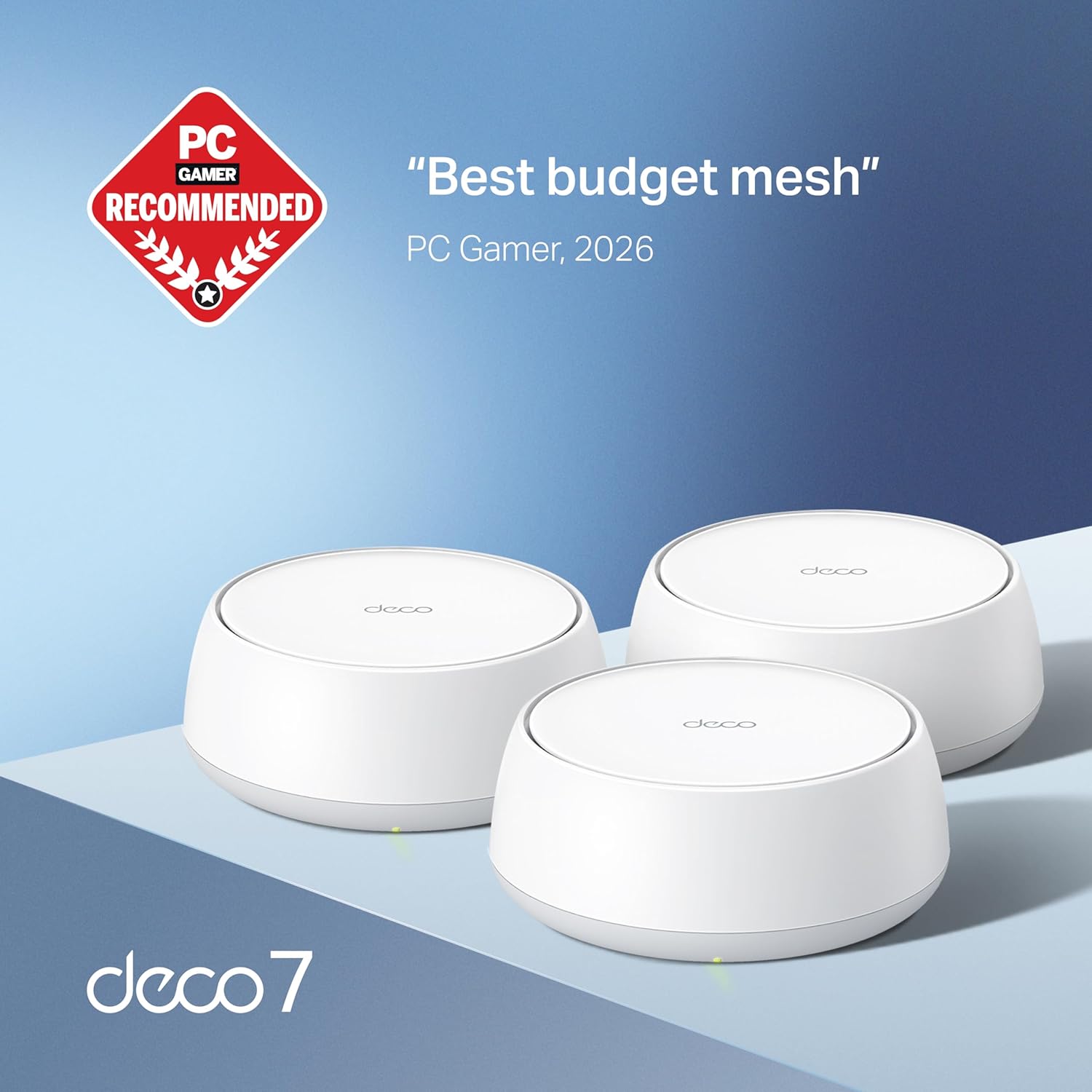
Imagine you just moved into a two-story house, set up your new router near the front door, and discovered that the back bedroom — where you actually work — gets a signal that drops every time someone starts streaming in the living room. You’ve already upgraded your internet plan. The problem isn’t your ISP; it’s that a single router can only push a signal so far before walls, floors, and competing devices carve it to pieces.
That’s where a mesh Wi-Fi system comes in. Instead of one router trying to cover everything, a mesh system uses two or three coordinated units — called nodes — that pass your connection seamlessly from room to room, the way a relay race hands off a baton. The newest generation of these systems runs on Wi-Fi 7 (the technical name is 802.11be), the latest wireless standard that offers substantially faster theoretical speeds, better handling of lots of simultaneous devices, and a smarter way of managing multiple frequency bands at once. This guide will help you figure out which Wi-Fi 7 mesh system is actually worth the money for your home — and where it might be overkill.
What Wi-Fi 7 Actually Adds (and What It Doesn’t)
Wi-Fi 7’s headline number is a theoretical maximum throughput of 46 Gbps — gigabits per second, a measure of how much data can move across a network at once. That number will never appear in your house, but it matters because real-world performance is a fraction of the theoretical ceiling, and a higher ceiling means more headroom before congestion kicks in.
The two features that make Wi-Fi 7 meaningfully different from Wi-Fi 6 and 6E (the previous generations) are:
Multi-Link Operation (MLO): Previous Wi-Fi generations picked one radio frequency band — 2.4 GHz (good range, slower), 5 GHz (faster, shorter range), or 6 GHz (fastest, shortest range) — and stuck with it per connection. MLO lets a Wi-Fi 7 device use two or three bands simultaneously, aggregating their bandwidth and automatically rerouting traffic if one band gets congested. Think of it as going from a single-lane road to a multi-lane highway that can shift traffic between lanes in real time.
320 MHz channels: Wi-Fi 6E introduced the 6 GHz band with channels up to 160 MHz wide. Wi-Fi 7 doubles that to 320 MHz, which is a big part of why its throughput numbers jump so dramatically. Per Ars Technica’s breakdown of the Wi-Fi 7 specification, this channel-width doubling is the single largest contributor to peak speed gains in real-world conditions.
What Wi-Fi 7 does not fix: it doesn’t change the physics of signal attenuation through walls, and it doesn’t automatically eliminate dead zones in a poorly placed single-node setup. A mesh architecture still matters more than the Wi-Fi generation for whole-home coverage.
By the Numbers: Wi-Fi 7 vs. the Previous Generations
| Standard | Max Theoretical Speed | Key New Feature | Typical Real-World Gain vs. Prior Gen |
|---|---|---|---|
| Wi-Fi 6 (802.11ax) | 9.6 Gbps | OFDMA, MU-MIMO | ~20–30% |
| Wi-Fi 6E | 9.6 Gbps | Added 6 GHz band | ~30–40% (uncrowded band) |
| Wi-Fi 7 (802.11be) | 46 Gbps | MLO, 320 MHz channels | ~2–4× peak; real gains vary by device |
Sources: Tom’s Guide Wi-Fi 7 explainer; Ars Technica Wi-Fi 7 specification breakdown.
A quick note on MU-MIMO (Multi-User, Multiple Input, Multiple Output): this is the technology that lets a router talk to multiple devices at the same time rather than cycling through them one at a time. Wi-Fi 6 supported 8-stream MU-MIMO; Wi-Fi 7 extends this to 16 streams. In a home with 30+ connected devices — smart TVs, security cameras, laptops, phones — that headroom matters more than raw peak speed.
The Three Systems Worth Comparing in 2026
Eero Max 7 (~$600 for a two-pack)
Amazon’s flagship mesh system is the one most reviewers reach for when they want a Wi-Fi 7 system that doesn’t require a networking degree to configure. The Verge’s review of the Eero Max 7 notes that its app-based setup is genuinely fast and that the system’s auto-channel selection handles congested neighborhoods reasonably well. Owners consistently report that the app’s parental controls and network segmentation features — the ability to put IoT devices like smart locks on a separate isolated network — are among the most polished of any consumer mesh system.
The tradeoff: Amazon’s deep integration into the app ecosystem means the Eero Max 7 requires an Amazon account to operate and routes some network management through Amazon’s cloud. For buyers who already live in the Amazon ecosystem, this is a non-issue. For those who want complete local control or are sensitive to data routing through a third party, it’s worth knowing before you buy.
If X, then Y: If your priority is the easiest possible setup and you’re already comfortable with Amazon hardware, the Eero Max 7 is the clearest recommendation at this price tier.
Netgear Orbi 960 (~$700–$900 for a two-pack)
The Orbi 960 is the system PCMag’s router roundup consistently places at the top for raw throughput in large homes. Its dedicated backhaul — a separate 6 GHz radio channel used exclusively for node-to-node communication, so client devices never compete with the nodes for that bandwidth — is a real architectural advantage in homes over 3,000 square feet or with multiple floors.
Published specs put the Orbi 960’s combined tri-band throughput at up to 10.8 Gbps. Across aggregated reviews, the pattern is that it sustains strong performance at longer distances from nodes better than competing systems at similar price points. The downside: reviewers at Wired and PCMag both flag the Orbi 960’s management app as less intuitive than Eero’s, and advanced features like VPN passthrough or VLAN configuration (setting up separate logical networks within one physical network) require navigating web-based menus rather than the app.
If X, then Y: If you’re covering a large home (3,500+ sq ft), have a complex floor plan, or are running wired Ethernet backhaul between nodes, the Orbi 960’s dedicated backhaul architecture justifies the premium over the Eero.
ASUS ZenWiFi Pro ET12 (~$500–$700 for a two-pack)
The ET12 targets the prosumer buyer who wants enterprise-adjacent features without enterprise complexity. ASUS’s router operating system, called ASUSWRT, exposes more configuration depth than Eero or Netgear’s apps — including detailed band-steering controls, AiProtection (a built-in network security layer), and robust VLAN support. For small-business owners running a home office with a mix of work devices, personal devices, and IoT gear that all need logical separation, that feature depth is a genuine differentiator.
Tom’s Guide’s Wi-Fi 7 router coverage notes the ET12’s throughput is competitive with the Orbi 960 in close-range tests, though the Orbi’s dedicated backhaul pulls ahead in multi-story configurations. Owners in long-run reviews consistently highlight the ET12’s stability over weeks and months of continuous operation, which matters more for a home-office setup than peak benchmark numbers.
If X, then Y: If you need granular network control — separate SSIDs for work and home, scheduled access policies, or VPN server functionality — and you’re willing to spend an evening in the settings menus, the ET12 is the right tool.
The Node Placement Math Nobody Talks About
Buying the right system is only half the decision. Placement determines whether you get 80% of the system’s potential or 50%. A few evidence-based rules:
Central placement beats wall placement. Each node should ideally be positioned so it covers equal distance in all directions. A node pushed into a corner serves a quarter of its potential coverage area.
Wired backhaul removes your biggest bottleneck. When nodes communicate wirelessly, they’re splitting their radios between client traffic and node-to-node traffic. Running a single Ethernet cable between nodes — called wired backhaul — eliminates that split entirely. Wirecutter’s router testing methodology consistently shows that wired-backhaul configurations outperform wireless-backhaul configurations of the same system by 30–50% in throughput at the furthest node.
The 6 GHz band has shorter range than 5 GHz. Wi-Fi 7’s fastest channels live in the 6 GHz spectrum, but 6 GHz signals attenuate (weaken) more quickly through walls than 5 GHz. In a home where nodes are separated by multiple walls or more than one floor, the 5 GHz band does most of the heavy lifting for node-to-node communication in wireless-backhaul setups. This is precisely why dedicated 6 GHz backhaul radios (as in the Orbi 960) are an architectural advantage rather than a marketing talking point.
Who Should Wait (and What to Wait For)
If your current internet plan tops out at 500 Mbps or less — which, per FCC broadband deployment data, describes a meaningful share of U.S. homes in 2026 — you will not experience the throughput difference between Wi-Fi 6E and Wi-Fi 7 under normal conditions. Your ISP connection is the bottleneck, not your router. A Wi-Fi 6E mesh system at half the price (the Eero Pro 6E or TP-Link Deco XE75 Pro, for instance) delivers the same real-world experience on that tier of internet service.
The calculus shifts if: you have a multi-gig internet plan (1 Gbps or faster), you have 40+ connected devices, or you’re doing local network transfers — moving large files between a NAS (network-attached storage, essentially a home server) and a laptop — where the LAN speed matters independently of your internet connection.
Wi-Fi 7 client device adoption is also still maturing. As of mid-2026, the majority of smartphones, laptops, and smart home devices ship with Wi-Fi 6 or 6E radios. The Samsung Galaxy S24 Ultra and iPhone 15 Pro Max support Wi-Fi 6E; full Wi-Fi 7 client support is concentrated in flagship 2025+ devices. A Wi-Fi 7 mesh system is backward-compatible — it will work with all your current devices — but you won’t see MLO’s benefits until your clients support it.
The Decision Rule
Here’s the clean version:
- Home under 2,500 sq ft, internet plan under 1 Gbps, no complex network needs: A Wi-Fi 6E mesh system saves you $200–$400 with no real-world sacrifice. Wait for Wi-Fi 7 prices to drop another cycle.
- Home 2,500–4,000 sq ft, multi-gig internet, mostly wireless backhaul: Eero Max 7 is the lowest-friction entry point. Orbi 960 if you need maximum range from each node.
- Home over 4,000 sq ft, wired backhaul possible, or small-business network complexity: Orbi 960 for range-first priorities; ASUS ZenWiFi Pro ET12 for configuration-depth priorities.
The Wi-Fi 7 premium is real, and for the right home setup, it’s justified. The trap is buying the ceiling when your actual constraints are the foundation — ISP speed, node placement, and client device support — and those don’t cost extra to fix first.