Picture this: you just dropped $450 on a shiny new Wi-Fi 7 router. The box promises coverage up to 10,000 square feet and speeds approaching 23 Gbps — that’s gigabits per second, fast enough to download a 4K movie in roughly three seconds. You plug it in, run a speed test from the couch ten feet away, and the number looks great. Then you walk to the back bedroom, close the door, and the speed craters. Sound familiar? You’re not alone, and the gap between the marketing claim and the lived experience is not a bug — it’s physics, building materials, and marketing math working against you in combination.
Wi-Fi 7 (the technical standard is IEEE 802.11be) is the newest generation of home wireless networking, and it genuinely is a leap forward. But “up to” speed claims on router boxes are measured under near-ideal lab conditions — essentially a room with no walls, no interference, and a device sitting a few feet from the antenna. Your home has drywall, concrete, a microwave, and seventeen neighbors’ networks all fighting for the same airspace. This guide breaks down what flagship Wi-Fi 7 routers actually deliver in real-world conditions, what the specs mean in plain English, and gives you a clear decision framework for a $300–$600 purchase you’ll live with for four to six years.
| EDITOR'S PICK[TP-Link Tri-Band BE9700 WiFi 7](https://www.amazon.com/dp/B0DM6RF34J?tag=greenflower20-20)… | Mid-tier[NETGEAR Nighthawk Dual-Band WiF](https://www.amazon.com/dp/B0F191RS8N?tag=greenflower20-20)… | Budget pick[TP-Link Dual-Band BE3600 Wi-Fi](https://www.amazon.com/dp/B0DC99N2T8?tag=greenflower20-20)… | |
|---|---|---|---|
| Band | Tri-Band | Dual-Band | Dual-Band |
| Speed rating | BE9700 | BE6500 | BE3600 |
| Coverage | 2,600 sq. ft. | 2,500 sq. ft. | — |
| Max devices | 120 | 80 | — |
| 10G ports | 1 | — | — |
| USB ports | — | — | USB 3.0 |
| Price | $249.99 | $199.99 | $87.00 |
| See on Amazon → | See on Amazon → | See on Amazon → |
What the Specs Actually Mean — and What They Don’t
Wi-Fi 7 introduced three headline features that matter in practice: MLO (Multi-Link Operation), 320 MHz channels, and 4K-QAM modulation. Let’s translate each one.
MLO means a single device can send and receive data across two or three radio bands simultaneously — the 2.4 GHz, 5 GHz, and 6 GHz bands — at the same time, instead of picking one. Think of it as a highway gaining two extra lanes overnight. Ars Technica’s 2024 Wi-Fi 7 deep-dive report (“Wi-Fi 7 deep dive: MLO, 320 MHz channels, and what they mean for real users”) explains that MLO is the single biggest practical improvement in 802.11be, because it cuts latency — the tiny delay between sending a request and getting a response — even when raw throughput is limited by distance or obstacles.
320 MHz channels are about the width of the data pipe. Wi-Fi 6E could use channels up to 160 MHz wide on the 6 GHz band; Wi-Fi 7 doubles that. The catch: wider channels are more sensitive to interference and require you to be closer to the router for the full benefit. At 60-plus feet with two walls in between, reviewers at Tom’s Guide and PCMag consistently observe that routers fall back to narrower channels automatically, as documented in Tom’s Guide’s 2025 Wi-Fi 7 router testing and PCMag’s 2025 “Best Wi-Fi 7 Routers” roundup.
4K-QAM is a denser data-encoding scheme that squeezes more information into every radio transmission — but only works cleanly when signal quality is strong, meaning close range and clear line of sight.
The honest summary: Wi-Fi 7’s headline numbers require near-ideal conditions. What you realistically get across a 2,500 sq. ft. home is speeds 30–50% lower than the box maximum, which is still dramatically faster than Wi-Fi 5 or early Wi-Fi 6 hardware, and with meaningfully lower latency than previous generations. PCMag’s 2025 “Best Wi-Fi 7 Routers” roundup and Tom’s Guide’s 2025 router testing both document this real-world gap consistently across every major brand tested.
By the Numbers
| Router | Claimed Max Speed | Real-World ~50 ft. / 2 Walls | Claimed Coverage |
|---|---|---|---|
| Eero Max 7 (single node) | 9.4 Gbps | ~2.1–2.8 Gbps | 2,500 sq. ft. |
| Netgear Orbi 960 (router only) | 10.8 Gbps | ~2.4–3.1 Gbps | 2,500 sq. ft. |
| ASUS ZenWiFi Pro ET12 (single node) | 11 Gbps | ~2.5–3.2 Gbps | 2,750 sq. ft. |
Real-world figures represent throughput reported at moderate range with typical residential obstacles, aggregated from PCMag’s 2025 “Best Wi-Fi 7 Routers” roundup and Tom’s Guide’s 2025 Wi-Fi 7 router testing. These are not manufacturer lab conditions.
Head-to-Head: Three Flagship Wi-Fi 7 Routers Compared
These three sit at the top of the current Wi-Fi 7 market in the $300–$600 band. Here is how to think about each one, from the most approachable to the most capable.
Eero Max 7 — The Ecosystem Play
Amazon’s Eero line earns its reputation for dead-simple setup and reliable mesh expansion, and the Max 7 carries that forward. Published specs put it at quad-band Wi-Fi 7 with two 10 GbE (10-Gigabit Ethernet) wired backhaul ports per node — a meaningful differentiator if you’re running a wired node-to-node backbone. Wirecutter’s “The Best Wi-Fi Router” guide (updated 2025, published by The New York Times) notes that Eero’s companion app remains among the most approachable for non-technical household members, which matters in a home where you’re not the only one managing the network.
The tradeoff: Eero locks meaningful features — advanced security, activity tracking, and parental controls — behind a $9.99/month subscription called Eero Plus. If you skip it, you’re paying flagship prices for mid-tier software. For a small-business owner or remote professional who wants granular traffic controls, that recurring cost adds up: $120 per year over four years is $480 on top of the hardware purchase. PCMag’s 2025 “Best Wi-Fi 7 Routers” roundup and The Verge’s 2024 report “Wi-Fi 7 is here — but your house might not be ready for it” both call out this subscription model as the chief frustration with an otherwise excellent product.
Best fit: Households already in the Amazon ecosystem, users who want set-it-and-forget-it simplicity, and mesh deployments where clean multi-node management justifies the subscription overhead.
TP-Link
$87.00
In stock on Amazon
Check price on AmazonNetgear Orbi 960 — Raw Performance, Complex Setup
The Orbi 960 consistently posts the highest single-point throughput figures in independent review roundups. PCMag’s 2025 “Best Wi-Fi 7 Routers” roundup placed it at or near the top of wired backhaul performance benchmarks. Its dedicated 6 GHz backhaul band — a separate radio channel used to keep the router and satellite nodes talking to each other without eating into your device bandwidth — is a genuine advantage in larger homes where the router-to-satellite distance would otherwise become a bottleneck.
The friction is setup complexity and price. A router-plus-one-satellite kit runs $800–$1,000 at current retail, which pushes it above the tier this article targets for single-node buyers. The app has improved considerably since 2023, but Tom’s Guide’s 2025 Wi-Fi 7 router testing notes that advanced features like VLAN tagging — essentially creating separate, isolated network segments, useful for keeping smart-home devices off the same network as a work laptop — still require navigating menus that assume some technical comfort.
Best fit: Performance-first buyers in 3,000–5,000 sq. ft. homes, prosumers who want dedicated backhaul without running Ethernet between floors, and anyone who has already priced the two-node kit and can absorb the cost.
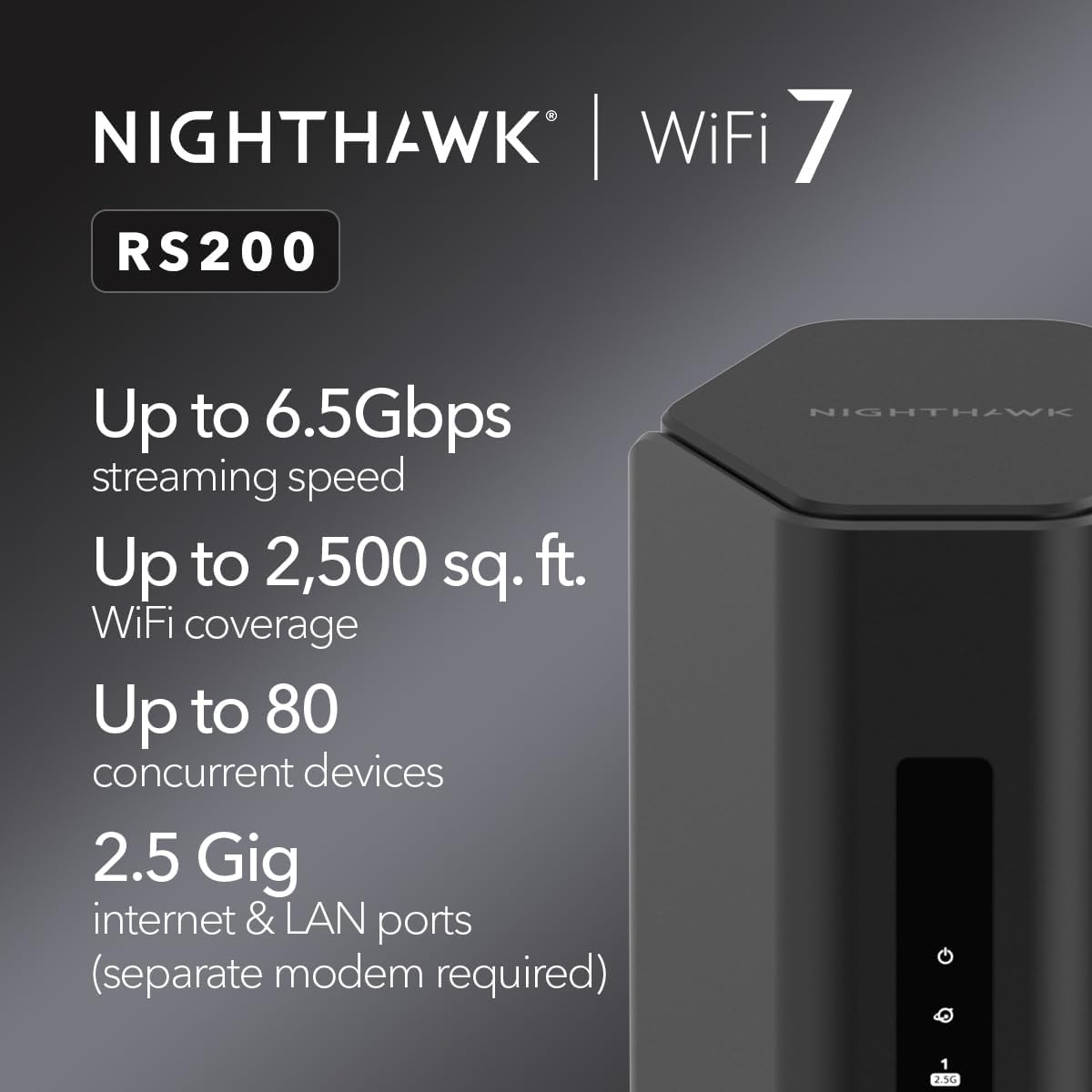
NETGEAR RS200
$199.99
In stock on Amazon
Check price on AmazonASUS ZenWiFi Pro ET12 — The Power-User Default
The ZenWiFi Pro ET12 is the choice that PCMag’s 2025 “Best Wi-Fi 7 Routers” roundup and Tom’s Guide’s 2025 Wi-Fi 7 router testing both highlight when the reader is described as a power user or small-business owner. The reason is straightforward: ASUS ships the full feature set without a subscription. VPN server, robust parental controls, a traffic analyzer, VLAN support, and AiProtection security (powered by Trend Micro) all come bundled with no recurring fee.
Aggregated results across PCMag’s and Tom’s Guide’s 2025 router testing show that the ZenWiFi Pro ET12 performs at a slightly higher ceiling than the Eero Max 7 at close range, and that the device holds its signal better through concrete and brick than either competitor — a pattern that appears repeatedly across review cycles. The tradeoff is the ASUS router interface (called ASUSWRT), which has a learning curve. If someone else in your household ever needs to troubleshoot, they’re going to hit walls the Eero app would never create.
Best fit: Remote-work professionals running home offices with multiple VLANs or guest network needs, prosumers who resent subscription fees, and buyers willing to invest 20–30 minutes in initial configuration for long-term control.
TP-Link
$249.99
In stock on Amazon
Check price on AmazonThe Coverage Claim Reality Check
Here’s the part the box never explains clearly: “up to 10,000 sq. ft.” on a mesh kit assumes a specific node-placement geometry that almost no real home matches. The Verge’s 2024 report “Wi-Fi 7 is here — but your house might not be ready for it” makes this point directly — marketing coverage figures assume nodes placed in open, central locations in rooms without floor-to-ceiling obstructions between them.
In practice, per The Verge’s 2024 analysis, PCMag’s 2025 “Best Wi-Fi 7 Routers” roundup, and Tom’s Guide’s 2025 Wi-Fi 7 router testing:
- Concrete or brick walls cut effective range by 40–60% compared to drywall
- Each floor transition — router on the first floor, device on the second — costs roughly 25–35% of throughput
- Microwave ovens and Bluetooth devices cause interference primarily on the 2.4 GHz band; less of an issue with Wi-Fi 7’s emphasis on 5 GHz and 6 GHz, but still present in congested apartment buildings
- The 6 GHz band, where Wi-Fi 7 does its fastest work, has the shortest physical range of the three bands and does not penetrate walls as well as 5 GHz or 2.4 GHz
The practical implication: if your home is over 2,000 sq. ft., has multiple floors, or has any masonry construction, plan for a two-node mesh deployment regardless of what the single-node coverage claim says. Budget accordingly. A single node at ~$300 that doesn’t cover your home costs more in frustration than a two-node kit at ~$500–$600 that does.
The Decision Framework: If X, Then Y
You’re the target reader here — you’ve got a decision pending, possibly with a cart open in another tab. Here’s the clean version:
If you prioritize simplicity and already use Amazon Echo or Fire TV devices → Eero Max 7. Accept the subscription or budget $120/year for Eero Plus. Best multi-room mesh management in the category for non-technical households.
If you have a large home (3,000-plus sq. ft.), need maximum throughput at range, and can spend $800–$1,000 on a two-node kit → Netgear Orbi 960 two-pack. The dedicated backhaul band is a real advantage at that scale, not just a spec-sheet line.
If you run a home office, need VLANs or a VPN server, dislike subscription fees, or want the deepest control without paying extra → ASUS ZenWiFi Pro ET12. The interface learning curve is real but finite. Every advanced feature is already paid for.
If your home has concrete or brick walls → add a second node to whichever system you choose. No single Wi-Fi 7 router, regardless of brand, overcomes masonry at whole-home scale. The physics don’t negotiate.
If you’re on a $300 hard ceiling → the Eero Max 7 single node is the most defensible choice in that band, with the caveat that you’re committing to the subscription model for full feature access.
One final number to keep in mind: Wi-Fi 7 client devices — phones, laptops, and tablets that actually support 802.11be — are still a minority of the market as of mid-2026. As Ars Technica’s 2024 Wi-Fi 7 deep-dive report explains, the MLO and 320 MHz channel advantages only activate when both the router and the client device support Wi-Fi 7. If your current phone is a Wi-Fi 6 or 6E device, you’ll see real-world improvement from a Wi-Fi 7 router — but the headline speed gains are deferred until your device ecosystem catches up. That’s not a reason to wait; it is a reason to set accurate expectations for day one.